
A practical guide to business software
Business Software Development
Understand how business applications connect people, information and workflows, what they can improve, and how to choose, build and maintain the right system.
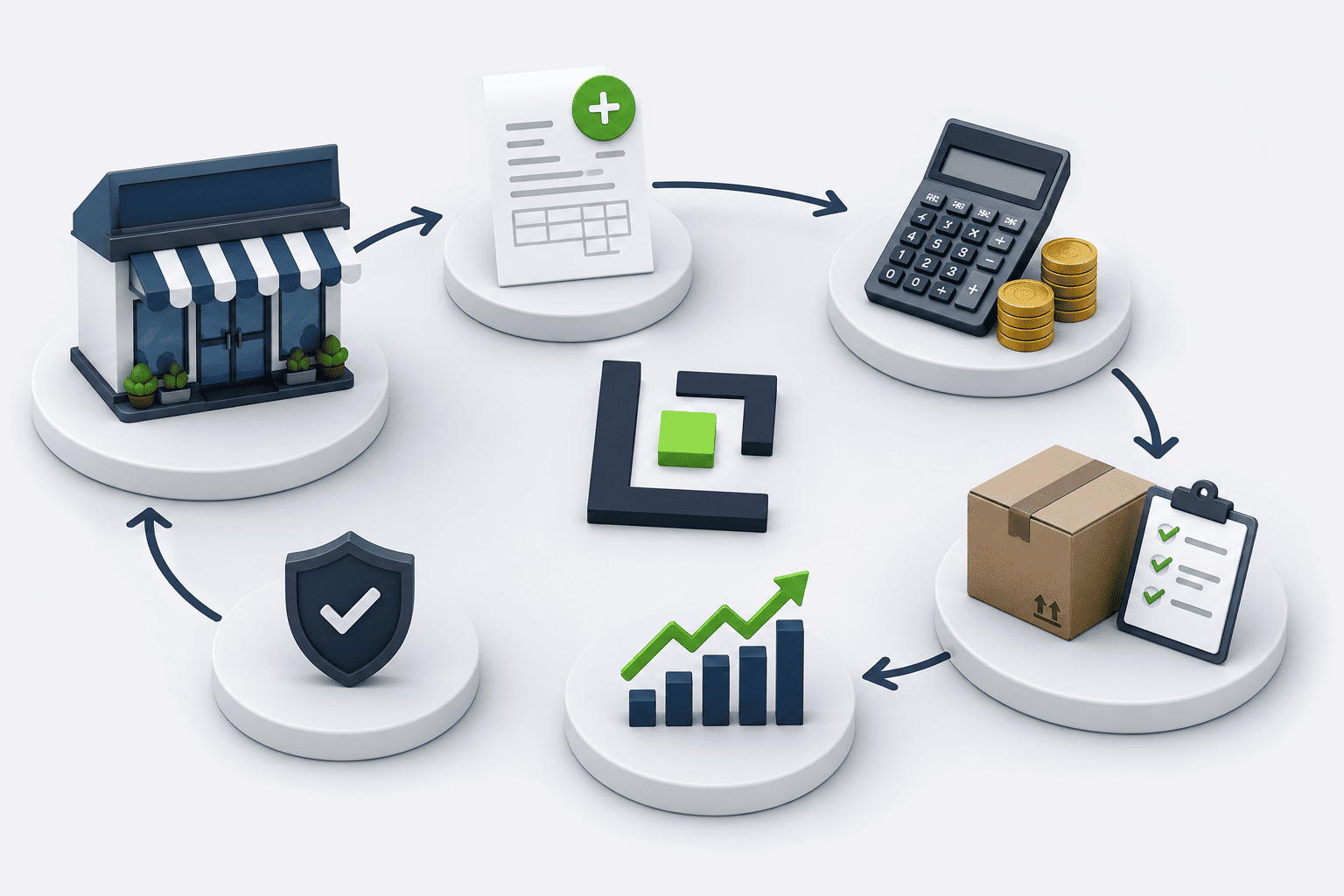
What is business software?
What is business software?
Start with the work people do
Business software helps an organization record information, coordinate tasks and follow its operations. It can support one activity or connect several departments through shared records and agreed rules.
Typical starting problems include repeated spreadsheet entries, conflicting stock figures, unclear approvals and reports assembled manually. Understanding users and these problems comes before choosing features or technology.

Look for measurable value
Look for measurable value
Agree on the starting position and review outcomes after launch. Useful measures depend on the work.
Less duplicate entry
Count repeated entries and corrections across connected tasks.
Clearer progress
Track pending requests and the time spent waiting for action.
More accessible information
Measure how long it takes to find a record or prepare a report.
More consistent records
Compare recorded information with checked operational results, such as stock counts.
Types of systems
Which systems can support a business?
These categories may work independently or connect. An ERP joins several business functions; a single-purpose application is not necessarily an ERP.
Customer relationship management — CRM
Customer records, sales opportunities, communications and service requests.
Enterprise resource planning — ERP
Related functions such as purchasing, sales, finance, inventory and staffing.
Accounting and finance
Transactions, receivables, payables and reports under defined accounting rules.
Inventory and warehouses
Receipts, issues, transfers, counts and traceable stock movements.
Human resources and payroll
Employee records, attendance, leave and agreed payroll calculations.
Purchasing and orders
Purchase requests, approvals, supplier orders, receipts and delivery tracking.
Projects and operations
Tasks, responsibilities, schedules and progress against agreed stages.
Documents and approvals
Document versions, requests, review decisions and controlled access.
Dashboards and reporting
Operational indicators drawn from defined, sufficiently complete source records.
A connected workflow
How connected work can look
A sales order illustrates how shared information and assigned responsibilities connect departments.
-
Record the order
Capture the customer, items, quantities and agreed terms.
-
Check availability
Review usable stock and flag any shortage.
-
Approve the order
An authorized person checks the conditions that require approval.
-
Prepare and deliver
Warehouse staff record preparation and the quantity actually dispatched.
-
Follow payments
Record amounts received and any outstanding balance.
-
Review the outcome
Show fulfilment, payment status and relevant operational reports.
Out of stock
Choose whether to wait, partially fulfil or reject the unavailable quantity.
Cancellation
Define who may cancel and how reservations or related records are reversed.
Returns
Check returned quantities and condition before stock or financial adjustments.
Partial payments
Keep the received amount and remaining balance visible under agreed terms.
Useful capabilities
Capabilities that make daily work clearer
These are design possibilities, not an automatic feature list for every project.
Users and permissions
Limit records and actions according to role and responsibility.
Approval workflows
Route decisions using rules such as request type or amount.
Search and filters
Find relevant records using meaningful fields and combinations.
Validation and status
Check required information and control valid transitions between work stages.
Notifications
Send useful reminders or updates through agreed channels.
Audit history
Record important changes, their time and the responsible user.
Import and export
Move agreed data formats with validation and appropriate access checks.
Reports and indicators
Use consistent definitions, periods and permissions to interpret results.
Choosing an approach
Ready-made, customized or purpose-built?
Choose against real requirements, budget and the ability to maintain the result.
Ready-made software
Adopt an existing product.
When it fits: Useful when standard features meet the main needs.
What to review: Review subscriptions, limits, data export and supplier dependence.
Customize an existing product
Adapt a platform that already covers much of the work.
When it fits: Useful when targeted changes can close the important gaps.
What to review: Check extension limits and compatibility with future upgrades.
Bespoke development
Build around specific workflows and connections.
When it fits: Useful when essential requirements differ substantially from available products.
What to review: Plan development time, documentation and continuing maintenance.
Connections and migration
Connect information and prepare migration
An existing application may remain part of the solution.
APIs, approved file exchanges or other supported interfaces can connect systems. Feasibility depends on access, documentation, permissions and the other supplier’s capabilities.
Migration is separate work: inspect old records, map fields, remove or resolve duplicates, run a trial transfer and reconcile results before switching over. Assign someone to approve data quality.
- Identify the authoritative system for each type of record.
- Define transfer timing, including acceptable delays.
- Handle failures, retries and duplicate prevention.
- Assign responsibility for monitoring and resolving transfer errors.
Security and access
Protect information and plan everyday access
Reliability requires deliberate implementation and operation, not a feature name.
Security and accountability
Apply appropriate permissions, protected connections, updates and review of unnecessary access.
Audit history explains important activity; it does not replace a backup or prevent every incident.
Backup and recovery
Define what is backed up, where copies are kept, retention and who can access them.
Test restoration and agree recovery objectives. A stored backup alone does not prove recovery will work.
Web, mobile, offline and hosting
A web application runs through a browser. Responsive screens and native mobile apps are different deliverables.
Offline work needs explicit local storage, synchronization and conflict-handling design.
Cloud or internal hosting changes access, cost and maintenance responsibilities; choose against operational needs.
Development journey
From understanding the work to operating the system
Review useful outputs at each stage instead of waiting until the final handover.
-
Understand needs
Identify users, current workflows, problems and desired outcomes.
-
Agree scope
Prioritize features and define observable acceptance criteria.
-
Design
Review data relationships, permissions and key screen prototypes.
-
Build in stages
Demonstrate usable sections and incorporate relevant feedback.
-
Test and migrate
Check real scenarios, access boundaries, exceptions and transferred records.
-
Train and launch
Prepare role-specific guidance, a pilot and a transition plan.
-
Maintain
Monitor operation, fix defects, update dependencies and manage changes.
Costs and responsibilities
Set expectations before committing
Record assumptions and responsibilities in the project proposal and agreement.
Cost and time
Workflows, permissions, reports, integrations, migration and offline requirements matter more than screen count alone.
Ongoing costs
Budget for hosting, external services, monitoring, training and maintenance after launch.
Ownership and portability
Specify data and code rights, export formats, documentation, access handover and exit arrangements.
Support and future work
Distinguish defect correction, new features and server operation; agree coverage and response arrangements.
Questions worth asking early
The answers guide discovery; the agreed specification determines what is delivered.
Does every business need an ERP?
No. A focused application or suitable existing product may solve the important problem with less complexity.
Can existing Excel information be transferred?
Often, after inspecting formats, cleaning records and agreeing mappings. A trial import should be reconciled before final transfer.
Will it work on a phone?
Responsive browser use can be planned. A native mobile app is separate work unless explicitly included.
Can it work with weak or no internet?
Assess actual connectivity. Offline use requires defined supported tasks, local storage and synchronization rules.
Can branches and roles be added later?
They can be planned for, but access boundaries, shared records and reporting rules must be designed and tested.
Can it connect to another system?
Check that system’s supported interface, permissions and limits before promising an integration.
Does software guarantee savings or remove every error?
No. Agree measurable goals and evaluate results; data quality, training and process ownership still matter.
What happens after delivery?
Use an agreed maintenance plan and clear ownership, export and handover terms. Improvements and support need defined responsibilities.
Read the underlying guidance
Primary references for the concepts in this guide. They do not certify a particular implementation.
- IBM: Enterprise resource planning
ERP scope and the relationship between connected business functions.
- IBM: Enterprise applications
Common organizational applications and their practical purposes.
- IBM: Enterprise application integration
Connecting existing applications and information flows.
- GOV.UK: The discovery phase
Understanding users and problems before committing to a solution.
- NIST: Secure Software Development Framework
Security practices throughout development and maintenance.
Begin with the workflow, not a feature list
Describe who does the work, where information is recorded, what is difficult and which outcome matters. Those details help define an appropriate next step.